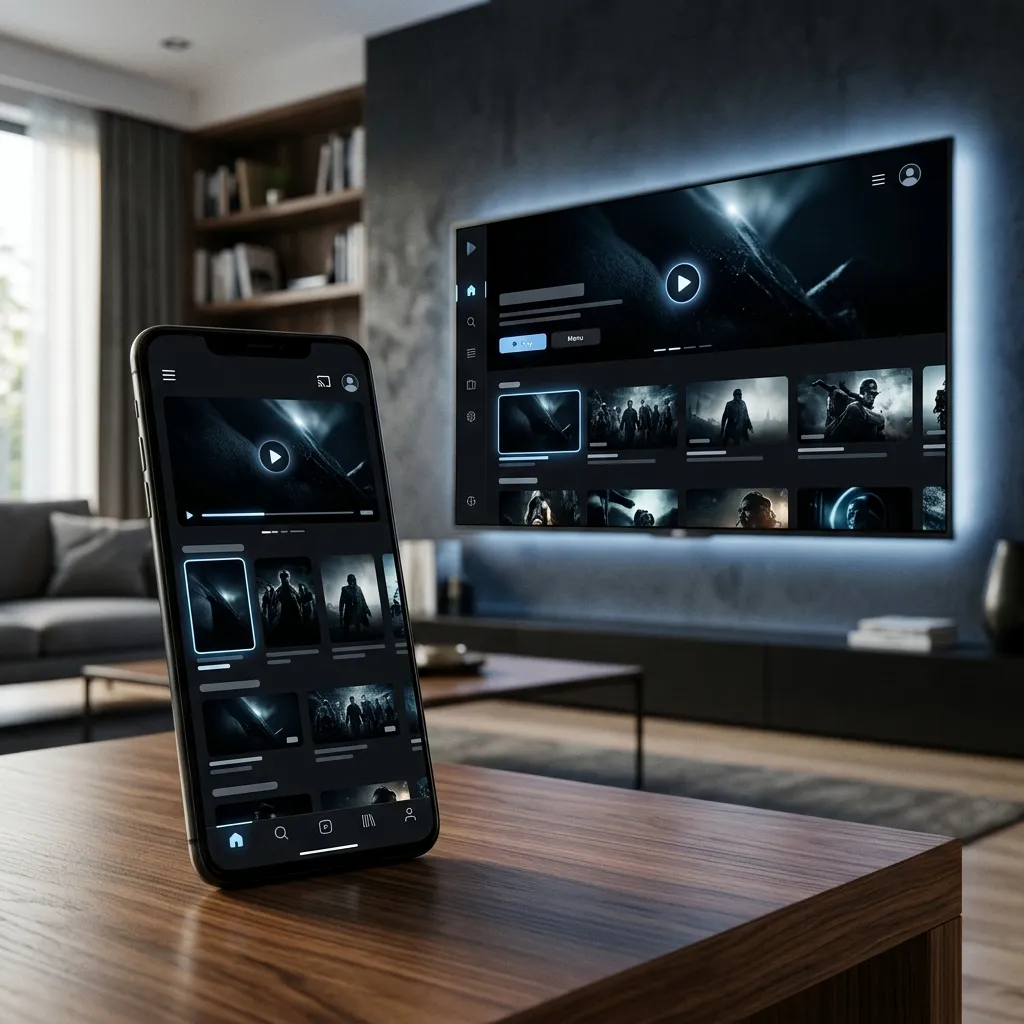
The Most Popular IPTV App in 2026
IPTV Smarters Pro is widely considered the most user-friendly and feature-rich application for streaming IPTV. It offers a beautiful layout, supports EPG (TV Guide), VOD categorization, and multiple profiles. Here is the ultimate guide on how to install and set it up.
Step 1: Installing the App
On Android Devices (Phones, Tablets, Android TV Boxes): Simply open the Google Play Store, search for "IPTV Smarters Pro", and install it.
On Amazon Firestick: Since it's not in the Amazon App Store, you need to use the "Downloader" app. Open Downloader, type the URL smarters.app/smarters.apk, download the file, and click install.
On Apple Devices (iPhone, iPad, Apple TV): Search for "Smarters Player Lite" in the Apple App Store (this is the iOS version of the app).
Step 2: Choosing the Login Method
When you open the app for the first time, you will be presented with a few login options. Always select "Login with Xtream Codes API". This is the fastest, most secure, and most stable way to load your playlist compared to using a raw M3U link.
Step 3: Entering Your Credentials
You will see four fields that you need to fill out. These details are provided by your IPTV provider (like Telecasta Live) after you purchase a subscription:
- Any Name: Type anything you want (e.g., "Telecasta").
- Username: Enter the username provided in your email.
- Password: Enter the password provided in your email.
- URL / Portal: Enter the server URL (e.g., http://live-server.com:8080).
Step 4: Updating the EPG and VOD
Once you click "Add User", the app will connect to the server and download your channels. To ensure you have the latest TV Guide (EPG) and newly added movies, click on the "Install EPG" button on the main dashboard. It's recommended to click "Refresh" on the VOD section once a week to sync the latest blockbuster releases.
Ready to upgrade your entertainment?
Experience the ultimate stability and quality with telecasta today.
View telecasta Packages